1. Clone the Example App
First, clone the React Native test app repository:2. Install Dependencies
Use either npm or yarn:3. Configure iOS (if applicable)
If you are running on iOS, install CocoaPods dependencies:4. Run the App
Start the Metro bundler and run the app:- Explore the SDK
- Authentication with the Offline Protocol SDK
- Profile management
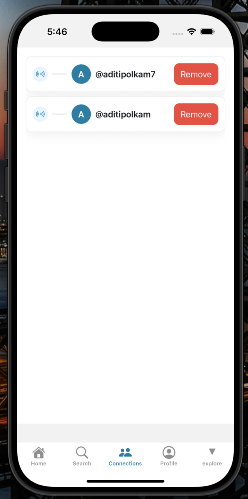
- Connections API