1. Download the Offline Protocol SDK
Install the SDK into your React project:2. Setup the OfflineProvider
Wrap your app’s root layout (layout.tsx or index.tsx) with the OfflineProvider to enable authentication and connections across the app.layout.tsx
3. Handle Authentication
Use theuseAuth hook to check if the user is logged in. If the user object is null, show the login form; otherwise, render the main app.

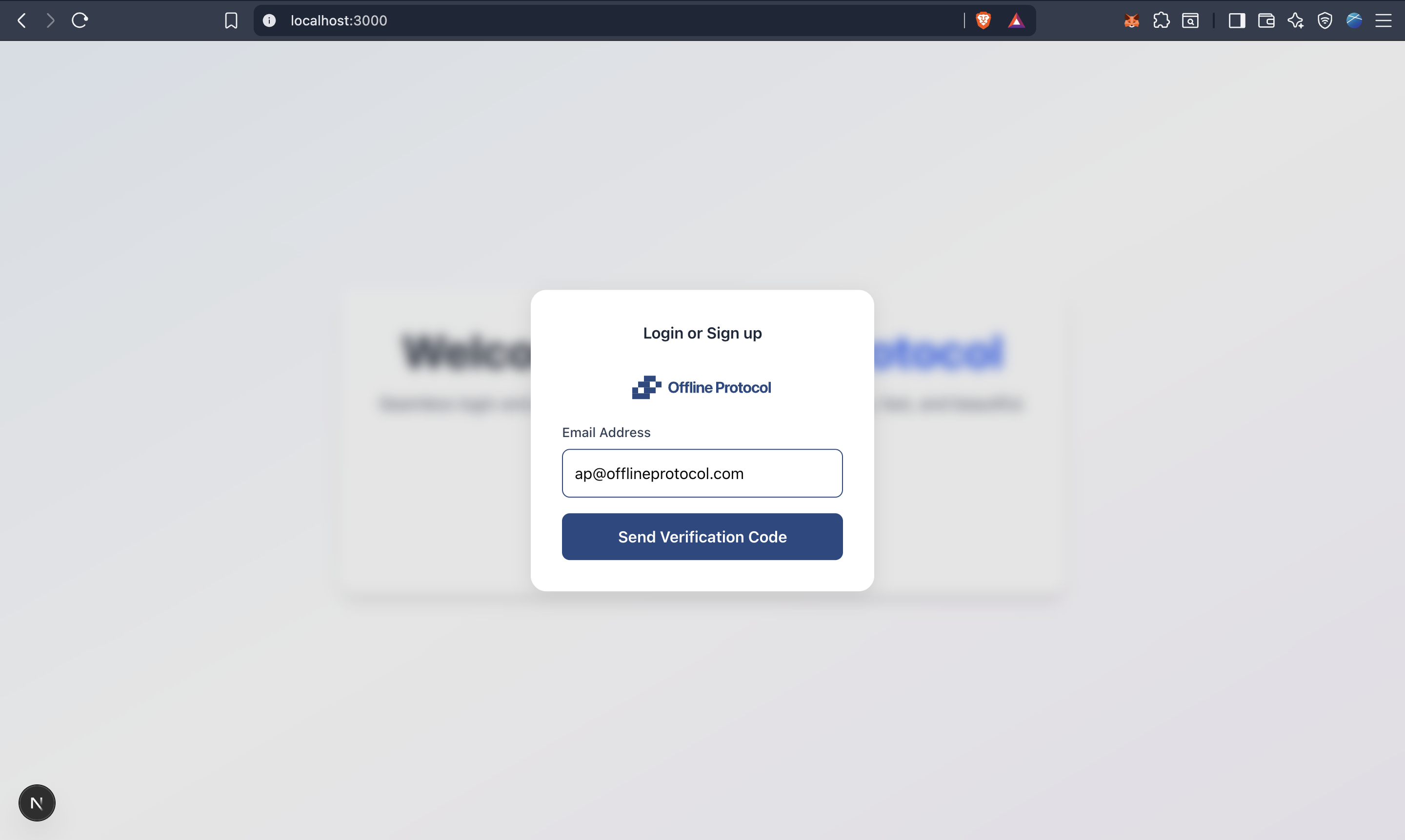
4. Request Login Code and Verify
5. First Login Experience
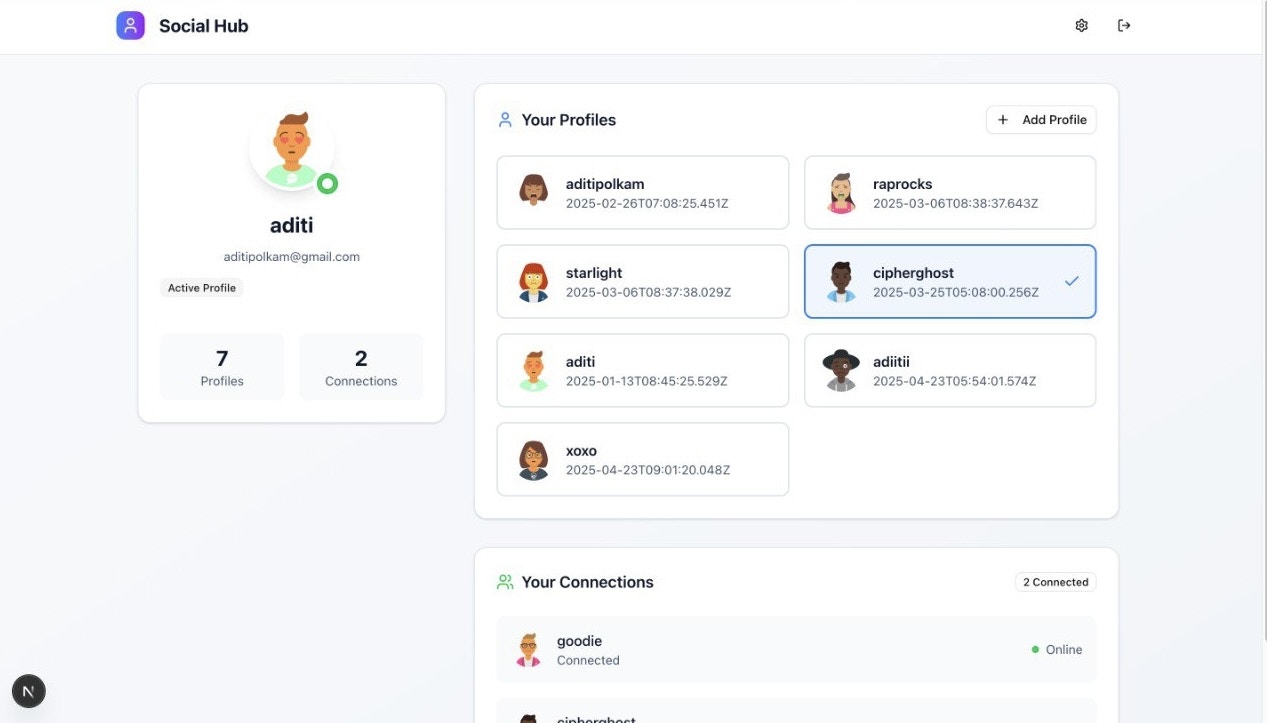
After signing in, users will land on the home page where their existing profiles and connections are automatically synced from Offline Protocol. Display the connections or profiles and other details the way you prefer.